Pay as you go
One scene?
Start with piments.
Top up your wallet once. Use piments when you want. No subscription required.
Create from 519 piments ↗18+ · Fictional models, lace and light
Create an AI lingerie model video with an adult fictional character, a defined outfit and one slow gesture. Start from a text description or a reference image you own. Velvetta generates a 5, 10 or 30-second vertical video with sound, from a satin lookbook turn to a candlelit glamour portrait. 18+ only, never explicit.
Select one or more models for a duo or group video. Describe who appears in your prompt.
Type @ to mention an image in your scene.
Choose an idea to add it. Your existing text is kept.
If generation fails, you get refunded.
One payment, no subscription required. Piments are deducted once and your balance is saved to your account. Guest videos are never added to a library; previously saved files can be deleted in Settings.
Generated with Seedance 2.5 by ByteDance: strong face, outfit and style consistency with your reference photos.
Upload your references, describe the scene and choose your length. Your clip appears right here.
Your videos will appear here after checkout or generation. Keep creating while they render.
Signed-in orders are available across devices. Guest orders need this browser’s session. Rendering time varies; no fixed countdown is promised.
These are different starting points. Choose the one that matches what you already have.
| Your starting point | Use the studio for | Keep in mind |
|---|---|---|
| A character description | A new adult fictional model in a described lingerie look | The identity and garment are generated; exact details are not guaranteed |
| Your own AI model reference | Animating an established character and outfit | A reference guides the result but is not a permanent character lock |
| An existing lingerie photograph | Bringing that image into motion | Use the dedicated photo-to-video workflow linked below |
This tool produces video, not a downloadable collection of still model photos or an exact garment-fitting simulation.
A useful brief identifies an unmistakably adult fictional model, hair, outfit, setting and framing. For example: an adult woman in her thirties, shoulder-length dark hair, an opaque black satin set and a silk robe, standing beside a warm lamp. Clothing and light give the scene its glamour without a long description of body parts.
Keep that brief stable while you test the motion. Changing the model, outfit, background and camera at once makes it harder to learn why a result drifted. If you already have the face and lingerie photographed, go to lingerie photo to video: it covers lace detail, straps and reference preparation rather than inventing a new character.
A lingerie brand can use the workflow to explore an atmosphere, but generated lace, seams and fit may differ from a real product. Do not present a generated garment as an accurate product photograph. For a specific set, supply a reference you have rights to use and inspect the finished clip before publishing it.
The first two prompts work without a photo. The third uses your own adult model reference. Every scene keeps the outfit on.
A fictional adult woman in her thirties with shoulder-length dark hair wears an opaque black satin lingerie set and a silk robe. She stands beside a warm floor lamp, turns her shoulders slightly and smiles toward the camera. Keep the outfit fully in place. Medium portrait shot, slow push-in, quiet room ambience.
Text-only starting point; five seconds for one shoulder turn.
A fictional adult woman aged thirty-five with short wavy hair wears a lined ivory lace lingerie set under an open satin robe. She stands by a softly lit window, rests one hand on her waist and turns slightly toward the light. Keep the lined outfit unchanged and in place. Fixed medium shot, gentle fabric movement, soft room tone.
Ten seconds gives a slow turn room to settle. The model does not reproduce a product pattern exactly.
The consenting adult in @Image 1 keeps the same lingerie and hairstyle, shifts her weight gently and looks over her shoulder with a relaxed smile. Keep all clothing in place. Soft side lighting, fixed waist-up frame, subtle fabric movement and room ambience.
Use a reference already showing the intended outfit; do not upload someone to change their clothing without consent.
The studio above accepts a prompt alone or up to twelve reference images.
Describe a clearly adult fictional model, or upload an image you own and have permission to animate. The built-in reference library does not guarantee a lingerie outfit; use your own suitable reference when wardrobe matters.
A shoulder turn, a glance or a small shift of weight is easier to inspect than several poses in succession. Keep the camera steady when you need to evaluate lace edges and straps.
Start with five seconds in 480p at $5.19. Inspect the face, outfit coverage and hands. For a final clip, choose the length and quality you need; 720p and 1080p provide more pixels, not a guarantee that the garment stays identical.
These public examples are ordinary fashion and fitness clips, not lingerie demonstrations. They show the existing studio workflow and the type of movement a reference can guide.
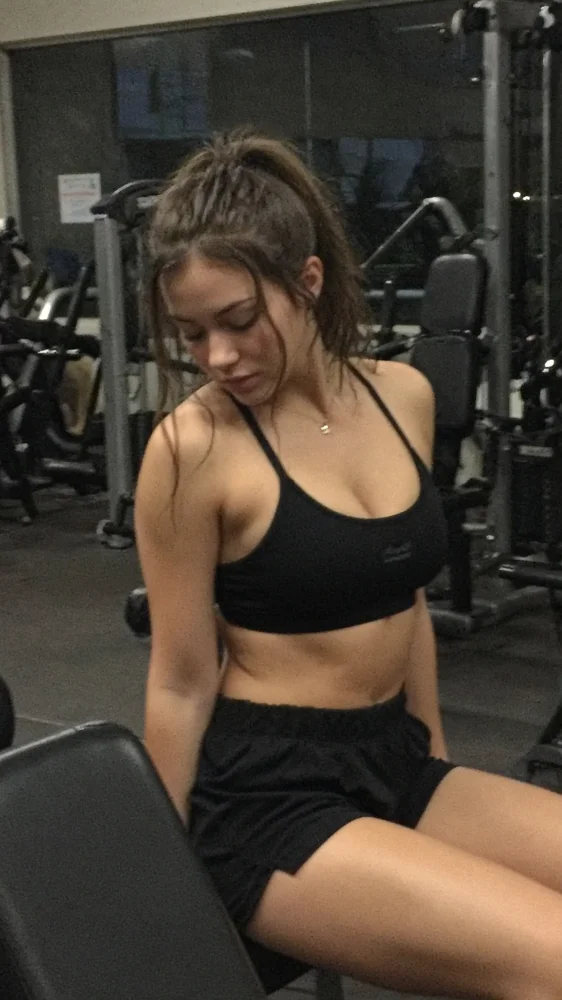 Reference photoGenerated video
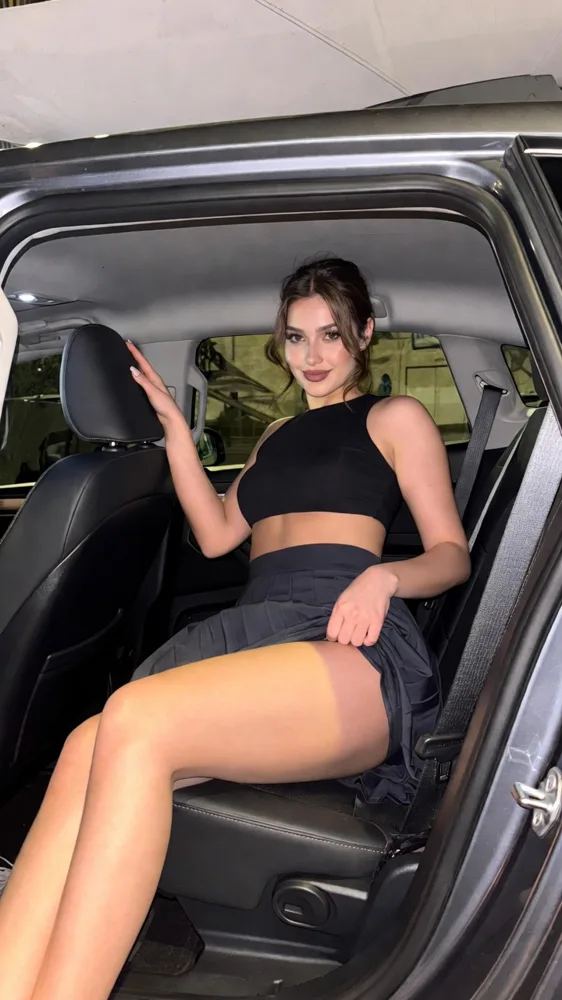 Reference photoGenerated video
Treat the first render as a reviewable draft, especially for a lookbook or a recurring character.
For a lingerie photo you already like, animating the reference is a different task from creating a new fictional model. Choose the matching workflow before paying.
Text-only and image-based scenes use the same duration and quality pricing.
| Duration | Medium · 480p | High · 720p | Ultra High · 1080p |
|---|---|---|---|
| 5 seconds | $5.19 | $6.49 | $15.59 |
| 10 seconds | $6.49 | $11.69 | $31.19 |
| 30 seconds | $15.59 | $32.49 | $92.29 |
The terms apply to text-generated characters and uploaded references.
You must hold the rights to each reference and confirm the consent of every recognizable adult.
Yes. Write a clearly adult character description, the lingerie outfit, a setting and one action. The studio generates a video from that prompt; it does not provide a separate still-image generator.
Reusing the same reference and character description can guide consistency, but there is no permanent identity lock. Inspect every clip instead of assuming the face is unchanged.
You can use references you own, but this is not a virtual fitting tool. A product-only photo does not establish a model’s identity, and the generated garment may differ from the real item.
No exact outfit is guaranteed. For a specific look, upload your own authorized reference or describe a fictional outfit in a text prompt.
Use a short test to check the scene first. High 720p or Ultra High 1080p can show more detail than 480p, but generated lace may still change. A slow camera and a sharp reference matter too.
No. Pay per video from $5.19, or use piments already in your account. The studio displays the total before checkout.
Start with your character, your existing photograph or the scene’s atmosphere.
Updated · Terms · Privacy · Data controls
Your heat, your budget
100 piments = $1. Weekly plans keep the same video prices and give you 25% more piments.
Top up your wallet once. Use piments when you want. No subscription required.
Create from 519 piments ↗Automatically renews every week. Cancel anytime before renewal. Unused piments stay available. Piments use the same published video prices. The 20% comparison is rounded to the nearest cent.
18+ · Adults only
You must be 18 or older to enter. Use only images you own or have permission to transform, featuring adult subjects and, for identifiable real people, their consent. Deepfakes of real people without their consent are strictly forbidden.
Privacy · Terms of use