Pay as you go
One scene?
Start with piments.
Top up your wallet once. Use piments when you want. No subscription required.
Create from 519 piments ↗18+ · For labels, boutiques, creators
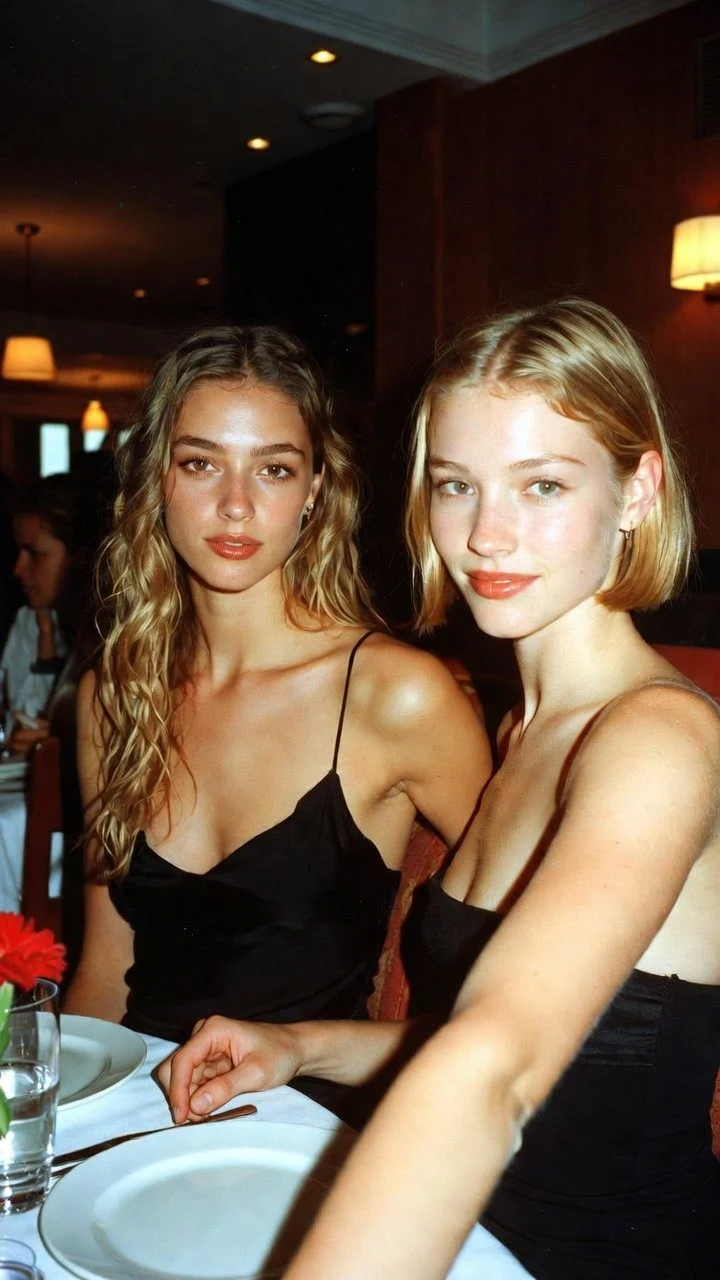
An AI lingerie lookbook video puts the photos you already shot into motion: each look becomes a vertical 5, 10 or 30-second clip with sound, rendered by Seedance 2.5 in minutes, ready for Reels, Stories and product pages. Made for lingerie labels, boutiques and creators who want satin to shimmer and the model to own the frame, with consenting adult models only. 18+, never explicit.
Select one or more models for a duo or group video. Describe who appears in your prompt.
Type @ to mention an image in your scene.
Choose an idea to add it. Your existing text is kept.
If generation fails, you get refunded.
One payment, no subscription required. Piments are deducted once and your balance is saved to your account. Guest videos are never added to a library; previously saved files can be deleted in Settings.
Generated with Seedance 2.5 by ByteDance: strong face, outfit and style consistency with your reference photos.
Upload your references, describe the scene and choose your length. Your clip appears right here.
Your videos will appear here after checkout or generation. Keep creating while they render.
Signed-in orders are available across devices. Guest orders need this browser’s session. Rendering time varies; no fixed countdown is promised.
A still lookbook shows the cut; a clip shows how the set wears: where a strap sits when the model turns, how satin takes the light, how a robe falls over the set. On a phone, motion stops the scroll, and a 9:16 frame fills the screen without cropping.
Reshooting a collection on video takes a crew and a day. Animating the lookbook photos you already approved costs a fraction of that, and uses the approved styling and lighting as references; inspect the generated outfit, color and details before any product use.
Choose the length by where the clip will live.
| Placement | Length | What to show |
|---|---|---|
| Product page loop | 5 seconds | One slow turn, or a fabric close-up that loops cleanly |
| Story or ad | 5 or 10 seconds | One gesture and a direct look at the camera |
| Reel or TikTok | 10 seconds | A walk-in, a turn, a held look |
| Collection teaser | 30 seconds | One very slow scene with two beats, a robe then a look |
| Email header | 5 seconds | Minimal motion: the light moves, the model barely does |
Each clip is one continuous shot. Assemble several looks in your editor, where you can also add licensed music.
Each look is one render in the studio, price shown first.
Every model must be an adult who agreed to an AI animation of these photos; a release signed for stills may not extend to AI. Get it in writing.
Sharp, evenly lit, the whole set visible. Add a back or detail shot as @Image 2 when the back of the set is what sells it.
Same light, same camera move, same sound for the whole collection; only the set description changes. The clips then cut together as one campaign.
Run every look at five seconds in Medium ($5.19), fix the weak ones, then render the collection in High 720p or Ultra High 1080p.
Describe each set the way it looks in the photo and keep everything else identical across the collection.
@Image 1 stands on a seamless warm-grey studio backdrop in the lingerie set from the photo, turns slowly through a half-circle and back, one hand resting on her hip, then looks into the lens with calm confidence, soft key light from the left, locked full-length frame, quiet studio hum, keep the lingerie exactly as in the photo.
The product-page workhorse.
@Image 1 walks slowly toward the camera down a dim hotel corridor in the lingerie set and an open silk robe, three unhurried steps, the robe trailing behind, then stops and holds the gaze, warm sconces along the walls, slow backward tracking shot, footsteps on carpet.
Close-up on @Image 1 in the lingerie set, the camera glides slowly from the shoulder strap down to the waistband detail shown in @Image 2, the fabric catching soft window light, almost no body movement, faint rustle of satin, keep every detail unchanged.
Detail shot as @Image 2.
@Image 1 stands with her back to the camera in the lingerie set, the back exactly as in @Image 2, rolls one shoulder slowly and glances back with a hint of a smile, golden side light, gentle push-in, quiet room tone.
@Image 1 reclines on a velvet chaise in the lingerie set, lifts her eyes slowly from the floor to the camera and holds them there, a single warm lamp behind her, slow orbit, distant rain, keep the set, its colors and the model unchanged.
Commercial clips follow the same terms of use as every other render.
Before each render you confirm that identifiable people are adults who agreed to this AI transformation; keep the model’s written consent in your own files too.
A collection is priced look by look, with no seats and no plan:
| Length | Medium · 480p | High · 720p | Ultra High · 1080p |
|---|---|---|---|
| 5 seconds | $5.19 | $6.49 | $15.59 |
| 10 seconds | $6.49 | $11.69 | $31.19 |
| 30 seconds | $15.59 | $32.49 | $92.29 |
Yes, within the terms, but ad platforms set strict rules for lingerie. Check each policy, keep it tasteful and label realistic AI content where required.
Close to the photo, not guaranteed. Shoot under neutral light, compare the clip with the product before publishing and re-render if a shade drifts.
No. The studio animates what is in the photo; it is not a garment-swap tool. Shoot each look on the model.
Ambient sound only. Add licensed music in your editor or in the app you post to.
No, every clip is vertical 9:16. For a landscape banner, place the clip on a background in your editor.
Not strictly, but signing in and choosing to keep new media saves clips in your private library instead of relying on temporary links, and piments make batch rendering easier.
For single looks and tricky fabrics.
Updated · Terms · Privacy · Data controls
Your heat, your budget
100 piments = $1. Weekly plans keep the same video prices and give you 25% more piments.
Top up your wallet once. Use piments when you want. No subscription required.
Create from 519 piments ↗Automatically renews every week. Cancel anytime before renewal. Unused piments stay available. Piments use the same published video prices. The 20% comparison is rounded to the nearest cent.
18+ · Adults only
You must be 18 or older to enter. Use only images you own or have permission to transform, featuring adult subjects and, for identifiable real people, their consent. Deepfakes of real people without their consent are strictly forbidden.
Privacy · Terms of use